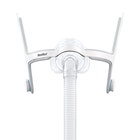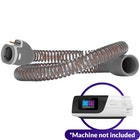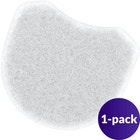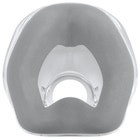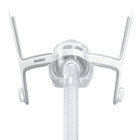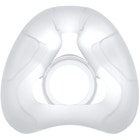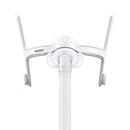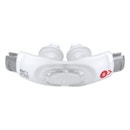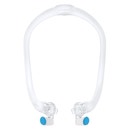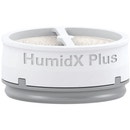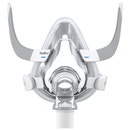




Resmed N20 AirMini™ Setup Pack Without CPAP Mask
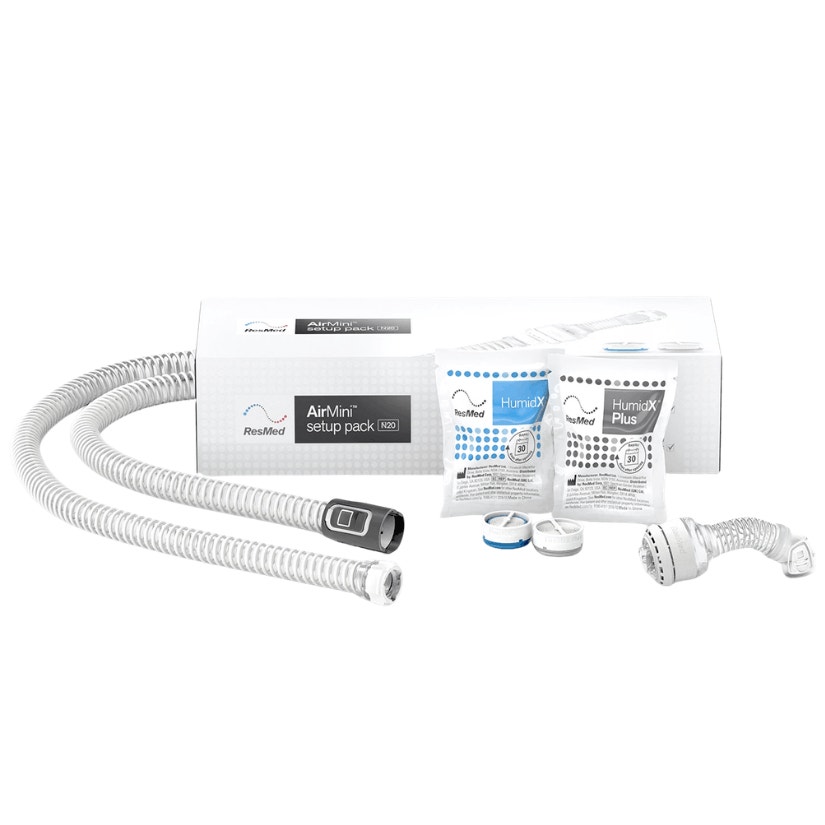
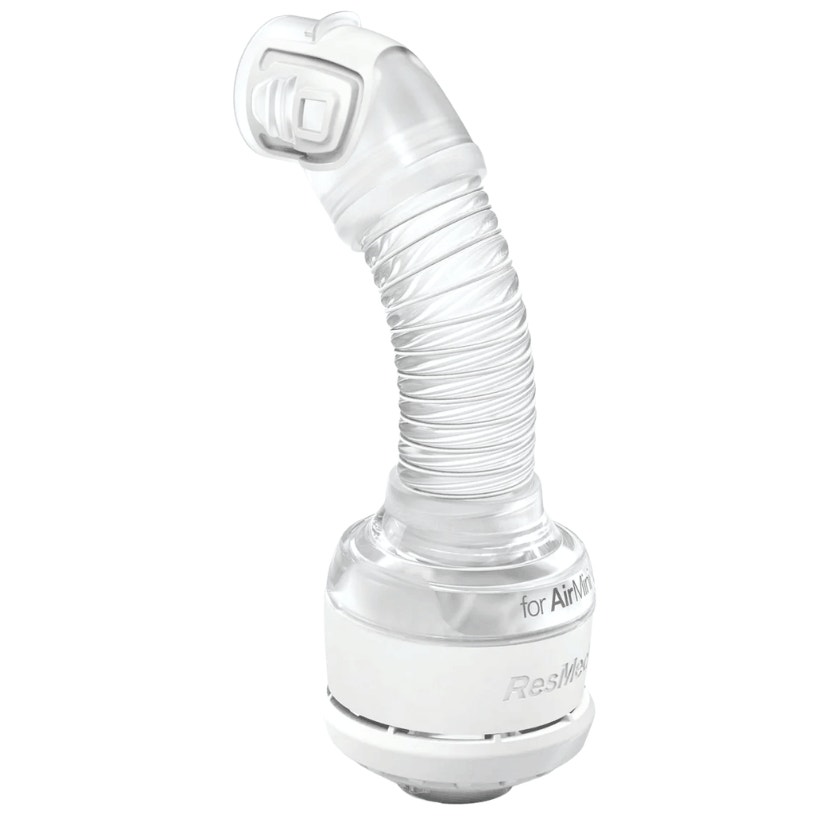
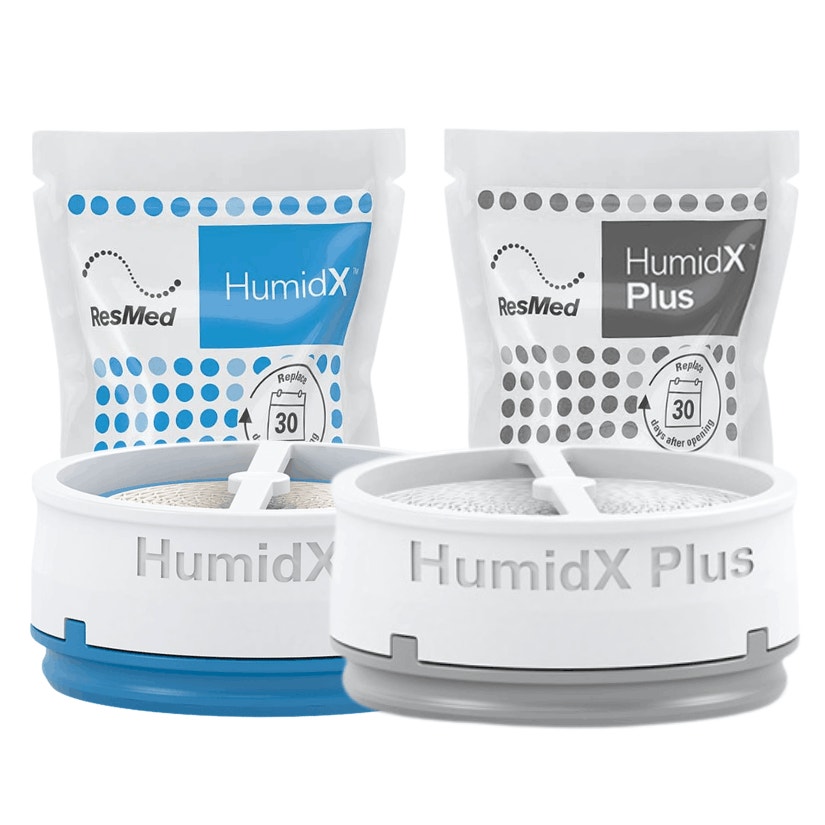
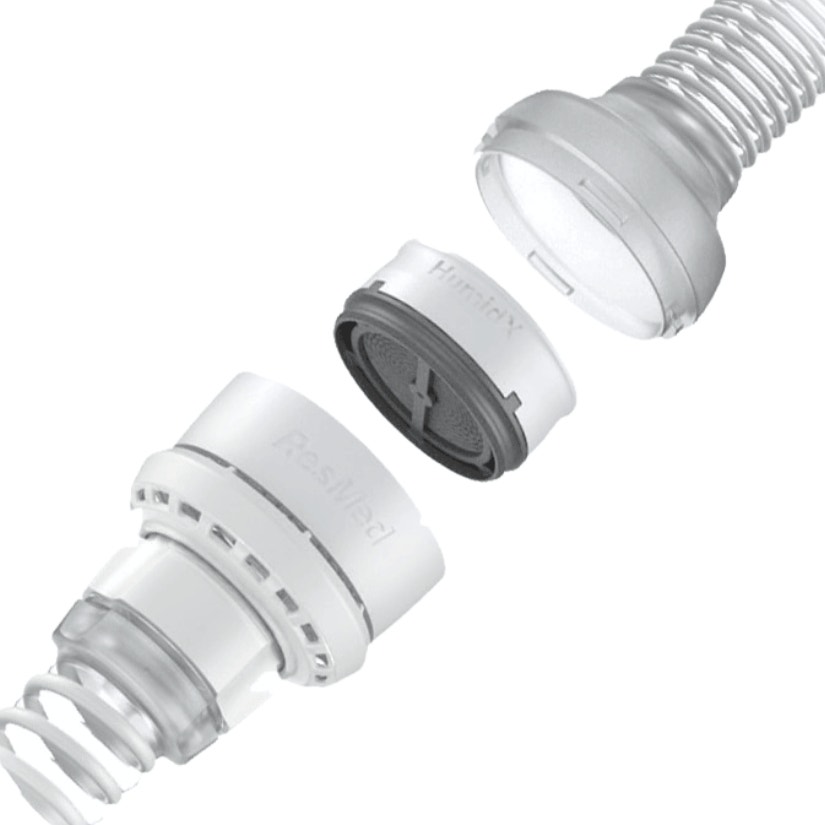
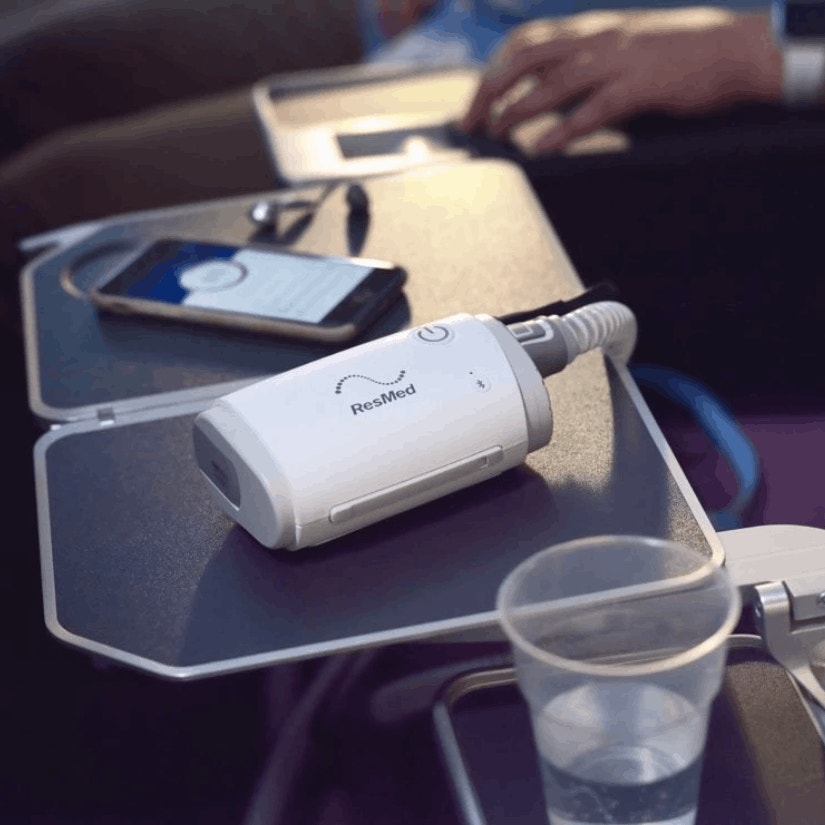

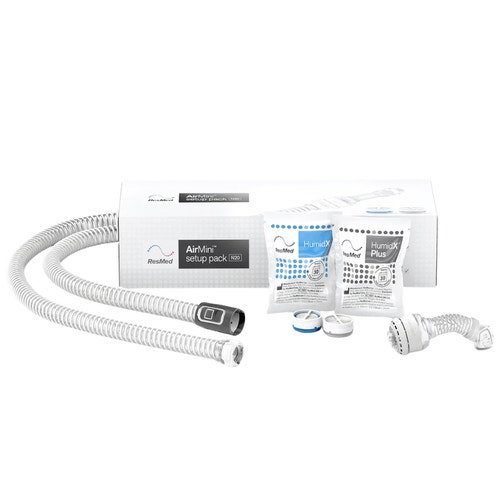
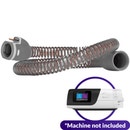
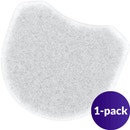
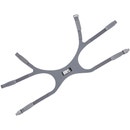
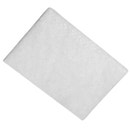
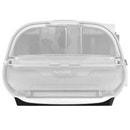
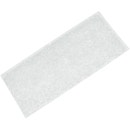
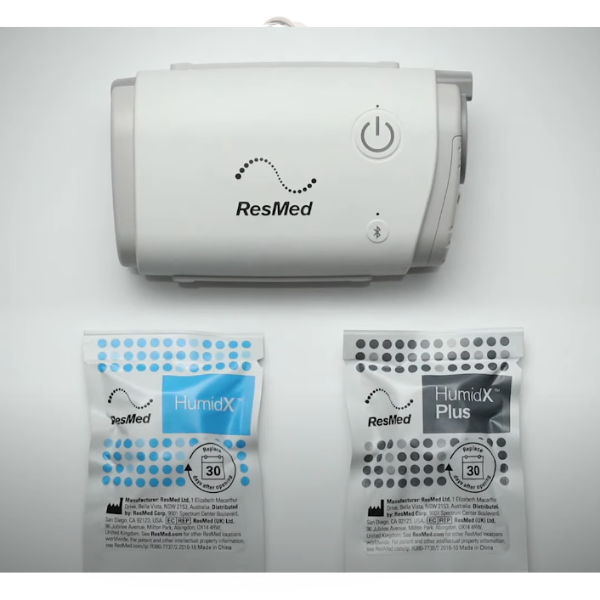
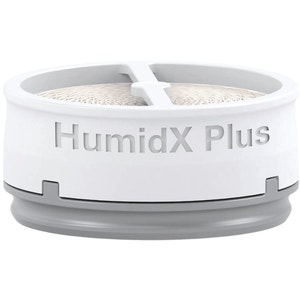
A setup pack is required to use AirMini™. This setup pack includes AirMini™ tubing, a mask connector, as well as a HumidX and HumidX Plus waterless humidifier. Mask and machine is not included.



Resmed N20 AirMini™ Setup Pack Without CPAP Mask Overview
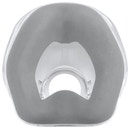
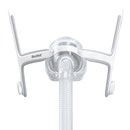
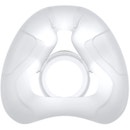
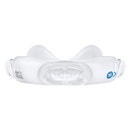
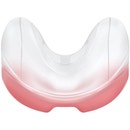
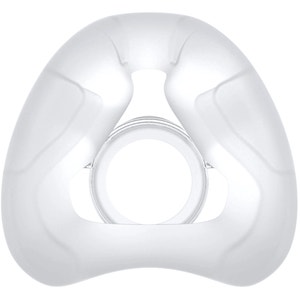
This Setup Pack allows the user to comfortably move throughout the night without compromising the seal thanks to the InfinitySeal cushion technology. This setup pack works for the Resmed N20 mask and the AirFit™ N30 Nasal mask. It comes with a special elbow adapter that connects to the AirMini™ tube. This pack also includes a HumidX F20 cartridge that can be attached to the interior of the mask cushion for waterless humidification.
Please note: mask and machine are not included in this setup pack.
Discover more about the Resmed AirMini™ Travel CPAP Machine with our helpful blog: The Ultimate Resmed AirMini User Guide.
-
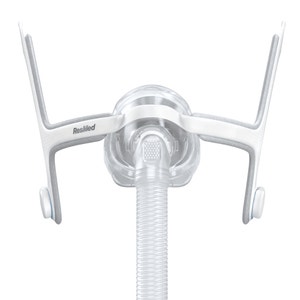
1 — N20 Elbow Adapter for AirMini™
-
1 — HumidX Cartridge
-
1 — HumidX Plus Cartridge
-
1 — AirMini™ Tube
Please note: this Setup Pack does not include a mask or machine.
Nasal Pillow CPAP Masks:
Breathing Style:
-
Nasal Breathers
- Mouth Breathers (when paired with a CPAP mask chinstrap)
Sleeping Style:
-
Back Sleepers
-
Side Sleepers
-
Active Sleepers
Additional Considerations:
-
High Pressure Settings
- Glasses Wearers
- Claustrophobia
- Facial Hair
-
Full Field of View for Reading or Watching TV Before Bed
-
Tossing and Turning During Sleep
- Frequent Travelers
- Camping and other overnight outdoor activities
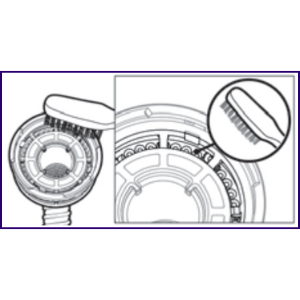
HumidX: Cleaning the vent module
-
Clean and check the vent module daily.
-
Wash in warm water using a mild liquid detergent.
-
Clean with a soft bristle brush paying particular attention to the vent holes.
-
Rinse well under running water. Shake to remove excess water and allow to air dry out of direct sunlight.
-
Check that there is no dirt or dust in the vent holes.
Note: Do not wash in a dishwasher or washing machine.
AirFit™ N20:
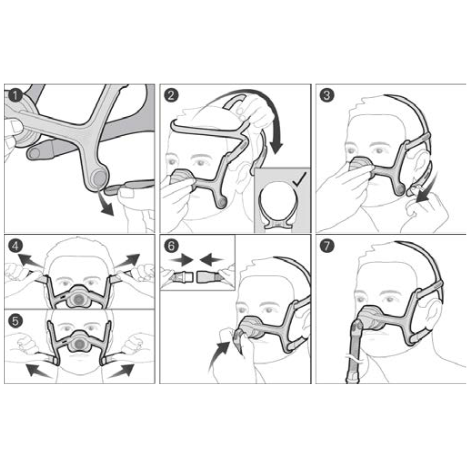
Assembling Your Mask:
Refer to the assembly diagrams in these instructions.
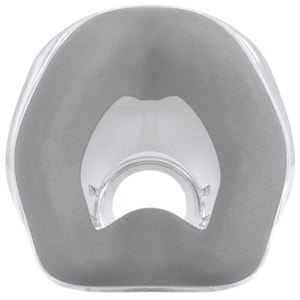
- Push the cushion into the frame. The frame has a shape that allows you to insert the cushion only one way.
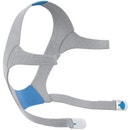
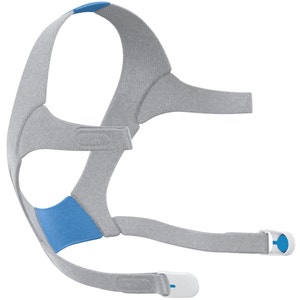
- With the Resmed logo on the headgear facing outside and upright, thread the upper headgear straps into the frame slots from the inside.
- Fold them over to secure.
Fitting Your Mask:
Refer to the fitting diagrams in these instructions.
- Twist and pull both magnetic clips away from the frame.
- With both lower headgear straps released, hold the mask against your face and pull the headgear over your head. Ensure that the Resmed logo on the headgear is facing outwards and is upright when the headgear is put on.
- Bring the lower straps below your ears, and attach the magnetic clip to the frame.
- Undo the fastening tabs on the upper headgear straps. Adjust the straps evenly until the mask sits comfortably just over the nose. Reattach the fastening tabs.
- Undo the fastening tabs on the lower headgear straps. Adjust the straps evenly until the mask is stable. Reattach the fastening tabs.
- Connect the device air tubing to the short tube. Attach the elbow to the mask by pressing the side buttons and pushing the elbow into the mask, ensuring it clicks in on both sides.
- Your mask and headgear should be positioned as shown in the illustration.
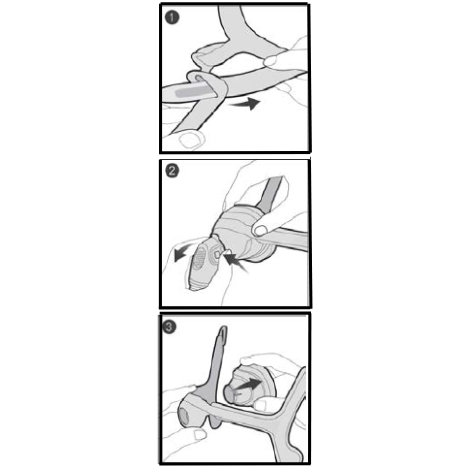
Disassembling Your Mask:
If the mask is connected to your device, disconnect the device air tubing
from the short tube.
- Undo the fastening tabs on the upper headgear straps and pull them from the frame. Keep the magnetic clips attached to the lower headgear straps.
- Remove the elbow from the mask by pressing the side button and pulling the elbow away.
- Hold the frame by placing your thumb over the side slot. Pull the cushion away from the frame.
| Operating Therapy Pressure Range |
| 4 to 30 cm H²O |
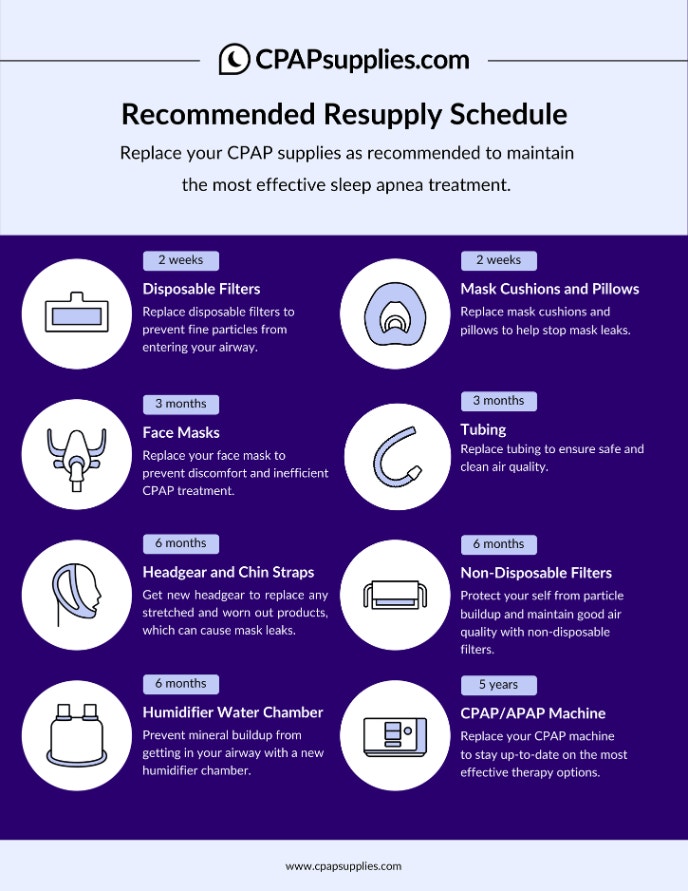
CPAPsupplies.com: CPAP Supplies Replacement Schedule
Resmed AirMini™: How to use HumidX & HumidX Plus



| Brand | Resmed |
|---|---|
| Weight | 0.77 lbs |
| SKU | 15761 |
| Model | 38823 |
| HCPCS | CASH |
| UPC | 619498388233 |
| Prescription Required | No |
| Manufacturer's Warranty | 30-day limited manufacturer's warranty |
| FSA/HSA Eligible | Yes |